
If you don’t know where your website leads are coming from, you can’t fix what’s broken or double down on what’s working. That’s the core problem GA4 setup for spray foam insulation websites solves. Google Analytics 4 (GA4) is Google’s current analytics platform, and it’s the tool that tells you which pages, keywords, and marketing channels are actually turning visitors into estimate requests.
In this guide, we’ll walk through what GA4 is, why it matters for a spray foam or insulation contractor, and exactly how to set it up step by step so you’re tracking the data that drives real business decisions.
What Is GA4 and Why Does It Matter for Spray Foam Contractors?
GA4 is Google’s website and app analytics platform. It replaced the older Universal Analytics system and tracks visitor behavior using events rather than simple pageviews, which gives contractors a clearer picture of how people actually move through a site before requesting a quote.
For a spray foam insulation company, GA4 matters because it answers questions that directly affect revenue:
- Which service pages (attic insulation, crawl space encapsulation, spray foam roofing) generate the most quote requests
- Whether traffic from Google Business Profile, organic search, or paid ads converts better
- Where visitors drop off before filling out a contact form
- Which blog posts or location pages bring in the most qualified leads
Without this data, marketing decisions become guesswork. With it, we can tell a contractor with confidence whether their SEO efforts or ad spend are actually paying off.
Related reading: 5 GA4 Reports Every Spray Foam Contractor Should Check Every Month
Search Intent Behind GA4 Setup for Spray Foam Websites
Most contractors searching for this topic already have a website and want to know how to connect analytics correctly, track leads, and understand their traffic without hiring a full-time marketing analyst. This guide is built around that intent: a practical, step-by-step setup process, not a technical deep dive into every GA4 feature.
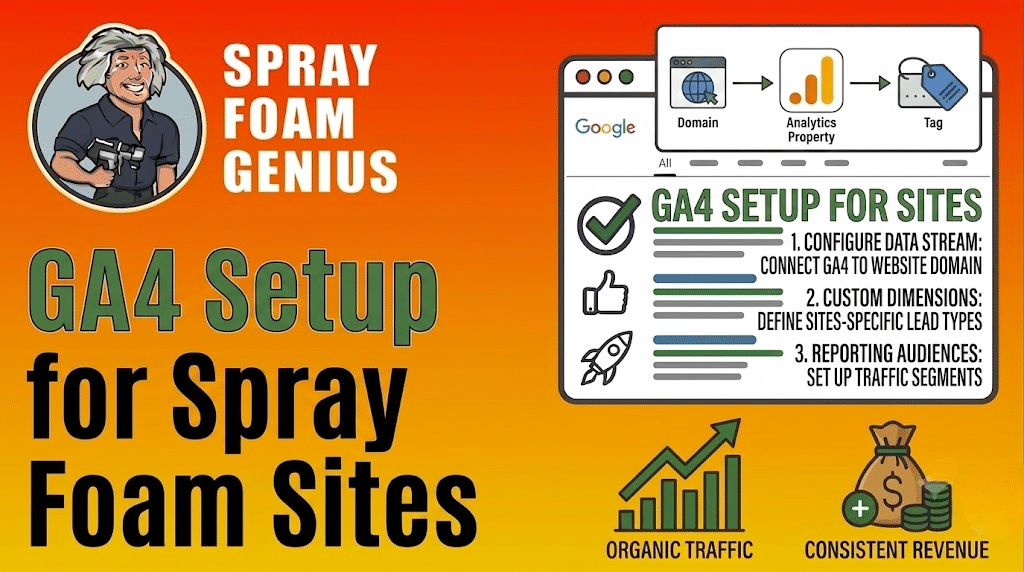
Step-by-Step: Setting Up GA4 for Your Spray Foam Website
Step 1: Create a Google Analytics Account
If you don’t already have a Google Analytics account, go to analytics.google.com and sign in with a business Google account, not a personal one. This matters because ownership of the account should stay with the business, not an individual employee or agency contact.
Step 2: Create a GA4 Property
Inside your Analytics account, click Admin, then Create Property. Name the property after your business, for example “ABC Spray Foam Insulation,” and select your correct time zone and currency. This step officially creates the GA4 property that will collect your website’s data.
Step 3: Set Up a Data Stream
A data stream connects GA4 to your actual website. Choose Web as the stream type, enter your website URL, and give the stream a clear name. GA4 will generate a Google tag (a small snippet of tracking code) tied to this stream.
Step 4: Install the Google Tag on Your Website
There are a few ways to add the tag, depending on how your spray foam website is built:
We typically recommend Google Tag Manager for contractors who plan to track phone calls, form submissions, and button clicks, since it makes adding new tracking events much easier down the road without touching the website’s code again.
Step 5: Verify the Tag Is Working
After installing the tag, go to Admin > Data Streams, click your stream, and check the “Realtime” report while browsing your own website in another tab. If your visit shows up within a few minutes, the tag is working correctly.
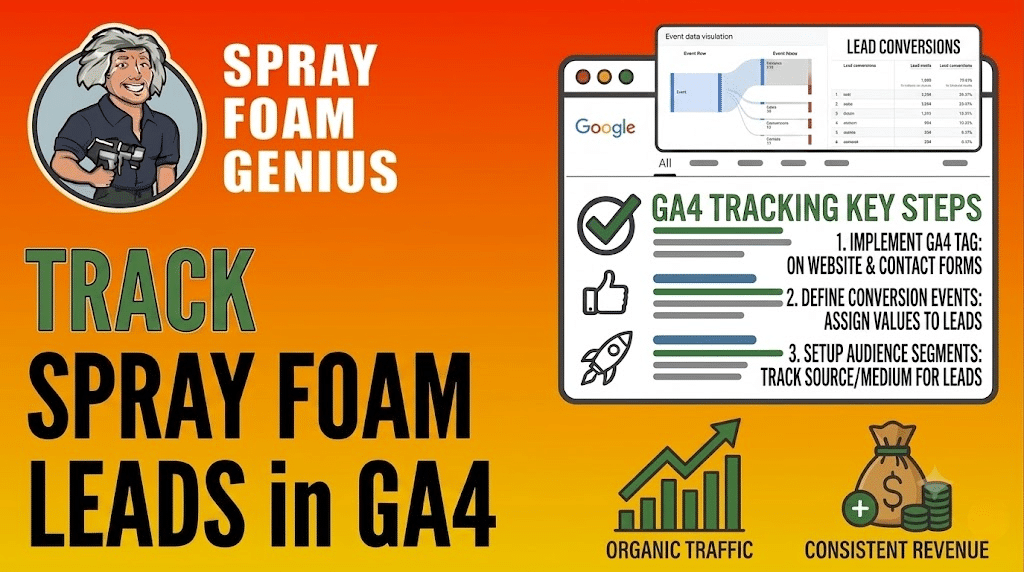
Step 6: Set Up Conversion Tracking for Leads
This is the step contractors skip most often, and it’s the one that actually makes GA4 useful. A pageview means nothing on its own. What matters is whether that page led to a phone call, a form submission, or a quote request.
In GA4, go to Admin > Events, and mark the relevant actions as key events (previously called conversions), such as:
- Contact form submissions
- Click-to-call phone number clicks
- “Get a Free Quote” button clicks
- Chat widget interactions
If your spray foam site uses a form plugin or a click-to-call button, these events often need to be configured manually or through Google Tag Manager, since GA4 does not track them automatically out of the box.
Step 7: Link Google Search Console
Linking GA4 to Google Search Console lets you see which search queries bring visitors to your site alongside their on-site behavior. This is done under Admin > Product Links > Search Console Links. You can find the official steps for this in Google’s Search Console guidance.
Common Mistakes Spray Foam Contractors Make with GA4
- Never setting up key events. Without this, you can see traffic but not leads, which defeats the purpose of tracking.
- Installing the tag twice. Adding the Google tag manually and through a plugin at the same time can duplicate data and inflate numbers.
- Ignoring Realtime verification. Skipping this step means contractors sometimes go weeks without realizing tracking was never installed correctly.
- Not linking Search Console. This connection is what shows which keywords, like “spray foam insulation near me” or “attic insulation contractor,” are actually bringing in traffic.
- Treating all traffic the same. Without channel-level reporting, it’s easy to overspend on ads that aren’t converting while underestimating organic search performance.
What to Do After GA4 Is Set Up
Once tracking is live, we recommend checking these reports monthly at minimum:
- Traffic acquisition to see which channels (organic search, paid ads, referrals, direct) bring the most visitors
- Landing page performance to identify which service or location pages convert best
- Key events to track actual leads, not just visits
This data should directly inform decisions about which service pages need better content, which locations deserve their own dedicated page, and where advertising budget is best spent. If your local SEO strategy or Google Business Profile is generating traffic that never converts, GA4 is what reveals that gap.
If you’re not sure whether your spray foam website is generating as much visibility and traffic as it should, Spray Foam Genius Marketing can review your online presence with a free marketing audit. We regularly help contractors interpret their GA4 data alongside their SEO services, website performance, and lead generation campaigns to find where leads are actually being lost.
Internal link suggestion: Link the phrase “SEO services” to the agency’s SEO services page. Internal link suggestion: Link the phrase “Google Business Profile optimization” to the GBP services page. Internal link suggestion: Link the phrase “website development” to the web design/development services page.
Final Thoughts
Setting up GA4 for your spray foam insulation website isn’t just a technical checkbox. It’s the foundation for knowing whether your marketing is actually working. Once the account, data stream, tag, and key events are properly configured, you have real visibility into which pages, keywords, and channels drive estimate requests instead of guessing based on gut feeling.
If you’d rather have this handled correctly the first time, Spray Foam Genius Marketing can set up and audit your GA4 tracking as part of a broader marketing strategy. Reach out at 877-840-FOAM (USA), 844-741-FOAM (Canada), or email info@sprayfoamgeniusmarketing.com.
Frequently Asked Questions
What is GA4 and how is it different from Universal Analytics?
GA4 is Google’s current analytics platform, replacing Universal Analytics. It tracks user behavior through events instead of simple pageviews, giving spray foam contractors a more accurate picture of how visitors interact with their site before requesting a quote.
How long does it take to set up GA4 on a spray foam website?
Basic GA4 setup, including creating the property and installing the tag, typically takes 30 to 60 minutes. Setting up conversion tracking for calls and form submissions can take longer depending on the website platform.
Do I need Google Tag Manager to use GA4?
No, GA4 can be installed directly through a website’s header code or a plugin. However, Google Tag Manager makes it easier to track phone calls, form submissions, and button clicks without editing website code repeatedly.
How do I know if GA4 is tracking leads, not just visits?
Check the Events section in GA4’s Admin panel and confirm that actions like form submissions and click-to-call buttons are marked as key events. Without this step, GA4 only shows traffic, not actual leads.
Is GA4 setup something contractors can do themselves, or should they hire help?
Many contractors can complete basic GA4 setup themselves using their website platform’s built-in tools. However, setting up accurate lead tracking often requires technical configuration, which is why many contractors work with a marketing agency to ensure it’s set up correctly.
Further reading
Official guidance from Google on the topics in this article: