
If you have Google Analytics 4 installed on your website but rarely open it, you are not alone. Most spray foam contractors set up GA4 reports for spray foam contractors once, then forget about it until something feels off with leads. The problem is that GA4 holds answers to questions you are probably already asking yourself, like which pages bring in real jobs, where your traffic actually comes from, and whether your website is doing its job at all.
This article breaks down the five GA4 reports we recommend spray foam and insulation contractors review every month, why each one matters, and what to actually do with the data once you see it.
Why Monthly GA4 Reviews Matter for Contractors
A monthly GA4 check helps you catch problems before they cost you leads. If organic traffic drops, if a service page stops converting, or if your Google Business Profile referrals suddenly dry up, you want to know within weeks, not months.
For a spray foam contractor, website traffic translates directly into estimate requests and phone calls. Reviewing the right reports monthly lets you connect marketing activity to real business outcomes instead of guessing whether your website is working.
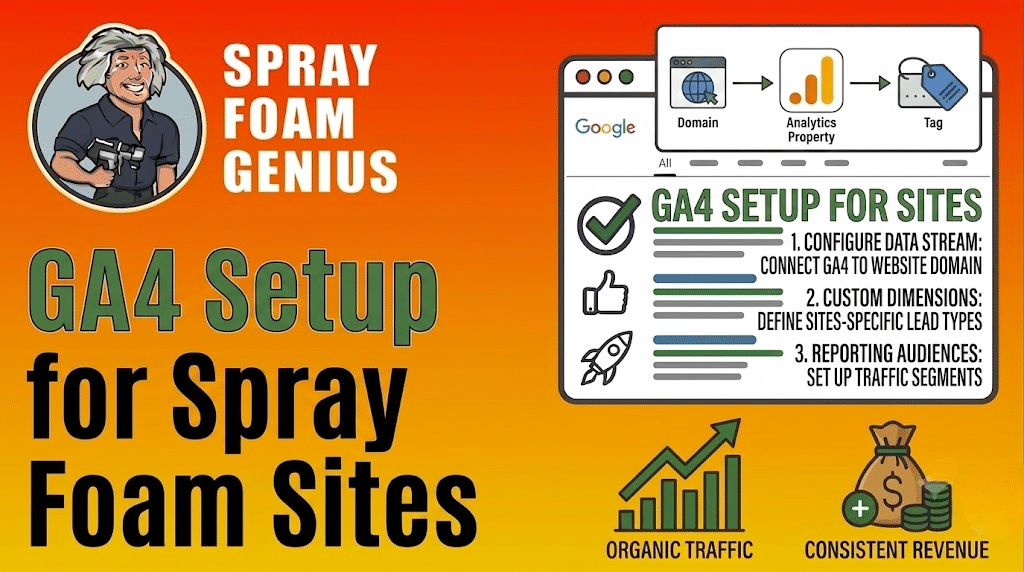
Related reading: How to Set Up Google Analytics 4 (GA4) for Your Spray Foam Insulation Website
1. Acquisition Overview Report
What it is: The Acquisition report shows where your website visitors are coming from, such as organic search, paid ads, social media, direct traffic, or referrals from other sites.
Why it matters: This report tells you which marketing channels are actually driving traffic. If you are investing in local SEO or running Google Ads, this is where you confirm those efforts are showing up in real visits.
How to use it: In GA4, go to Reports, then Acquisition, then Traffic Acquisition. Sort by session source and medium to see which channels bring the most visitors.
We typically look at this report first because it sets the context for everything else. If organic search traffic is falling while paid traffic stays flat, that usually points to an SEO issue rather than a paid campaign issue, which changes where you focus your time and budget.
2. Landing Page Performance Report
What it is: This report shows which specific pages on your site visitors land on first, and how they behave once they arrive.
Why it matters: Not all pages perform equally. A well-optimized location page or spray foam insulation service page might generate far more leads than your homepage. Without this report, you would not know which pages deserve more investment or which ones need to be fixed.
How to use it: Go to Reports, then Engagement, then Landing Page. Look at metrics like engaged sessions, average engagement time, and conversions for each URL.
Common findings we see with contractor sites include:
- A city-specific service page outperforming the general services page, which signals strong local intent
- A blog post ranking well but generating almost no conversions, which usually means the call to action is missing or weak
- The homepage receiving heavy traffic but low engagement, often due to unclear messaging above the fold
If a page is bringing in traffic but no leads, that is often a sign the page needs a clearer call to action or better internal linking toward a service page where visitors can request a quote.
3. Conversions Report
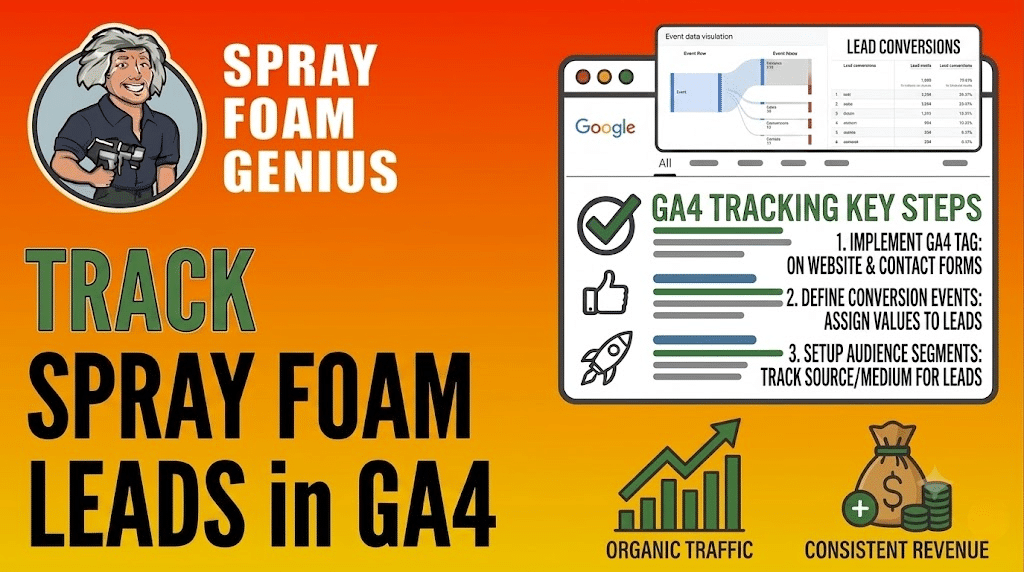
What is a GA4 conversion? A conversion in GA4 is a specific action you have defined as valuable, such as a form submission, a phone call click, or a completed quote request.
Why it matters: Traffic alone does not pay the bills. A page with 2,000 visits and zero conversions is far less valuable than a page with 200 visits and 15 estimate requests. This report is where you measure actual business impact.
How to use it: Go to Reports, then Engagement, then Conversions, or check the Conversions card on your GA4 home screen. Make sure key events like “form_submit” or “phone_click” are marked as conversions in your GA4 settings.
We recommend reviewing conversion trends monthly rather than daily, since daily numbers for smaller contractor sites can swing based on normal fluctuations in search volume and seasonality.
4. User Acquisition by Geography
What it is: This report breaks down where your website visitors are physically located, down to the city or region level.
Why it matters: Spray foam contractors typically serve specific service areas. If a large share of your traffic is coming from outside your service radius, your targeting, keywords, or Google Ads settings may need adjustment. If traffic from a key city is declining, that could point to a ranking drop worth investigating.
How to use it: Go to Reports, then User, then User Attributes, then Demographic Details, and filter by city or region.
From an SEO perspective, this report is especially useful for contractors running location pages. It shows whether those pages are actually attracting visitors from the intended service areas, or whether the content and targeting need refinement.
5. Events and User Engagement Report
What it is: This report tracks specific interactions users have on your site beyond simple pageviews, such as scrolling, clicking outbound links, watching videos, or submitting forms.
Why it matters: Engagement data helps you understand whether visitors are actually interacting with your content or leaving quickly. High bounce-like behavior on a service page often signals a mismatch between what the visitor expected and what the page delivers.
How to use it: Go to Reports, then Engagement, then Events. Review average engagement time per session alongside individual event counts.
Watch for these patterns:
- Low average engagement time on pages with high traffic, which often means the content is not answering the visitor’s question quickly enough
- Few or no clicks on phone number or contact links, which can point to a weak or hard-to-find call to action
- High scroll depth but no conversions, which suggests visitors are reading but not finding a reason to reach out
Common Mistakes Contractors Make With GA4
- Checking GA4 only when leads slow down, instead of reviewing it consistently
- Never marking key actions like form submissions as conversions
- Ignoring geography data even though service area targeting matters directly to lead quality
- Looking only at total traffic numbers without checking which pages or channels are actually converting
What to Do Next
Reviewing these five GA4 reports each month gives you a clear, accurate picture of how your website is performing and where your leads are actually coming from. Once you know which channels and pages work best, you can put more budget and content effort behind them instead of spreading resources across everything equally.
If you are not sure whether your website is generating as much visibility and traffic as it should, Spray Foam Genius Marketing can review your online presence with a free marketing audit. This includes a look at your GA4 data, local SEO performance, and Google Business Profile visibility to identify where you are losing potential leads.
For more on measuring website performance, Google’s own Analytics Help Center is a reliable resource for understanding GA4 features as they update.
You can reach Spray Foam Genius Marketing at 877-840-FOAM in the USA, 844-741-FOAM in Canada, or by email at info@sprayfoamgeniusmarketing.com to discuss your website’s performance and lead generation strategy.
Frequently Asked Questions
What are GA4 reports for spray foam contractors used for?
GA4 reports help spray foam contractors track where website visitors come from, which pages generate the most leads, and whether marketing efforts like SEO and paid ads are producing real business results.
How often should contractors check their GA4 reports?
We recommend a monthly review at minimum, with a quick check-in weekly if you are actively running paid ad campaigns or testing new landing pages.
Do I need to set up conversions manually in GA4?
Yes. GA4 does not automatically treat form submissions or phone clicks as conversions. You need to mark these events as conversions in your GA4 Admin settings so they show up properly in reports.
Can GA4 show which service area is generating the most leads?
Yes. The User Acquisition by Geography report breaks down visitors by city and region, which helps contractors see whether their target service areas are producing traffic and leads.
Is GA4 enough on its own, or do I need additional tools?
GA4 is a strong starting point for tracking website behavior, but many contractors pair it with call tracking software and Google Search Console for a more complete view of lead sources and search performance.
Further reading
Official guidance from Google on the topics in this article: