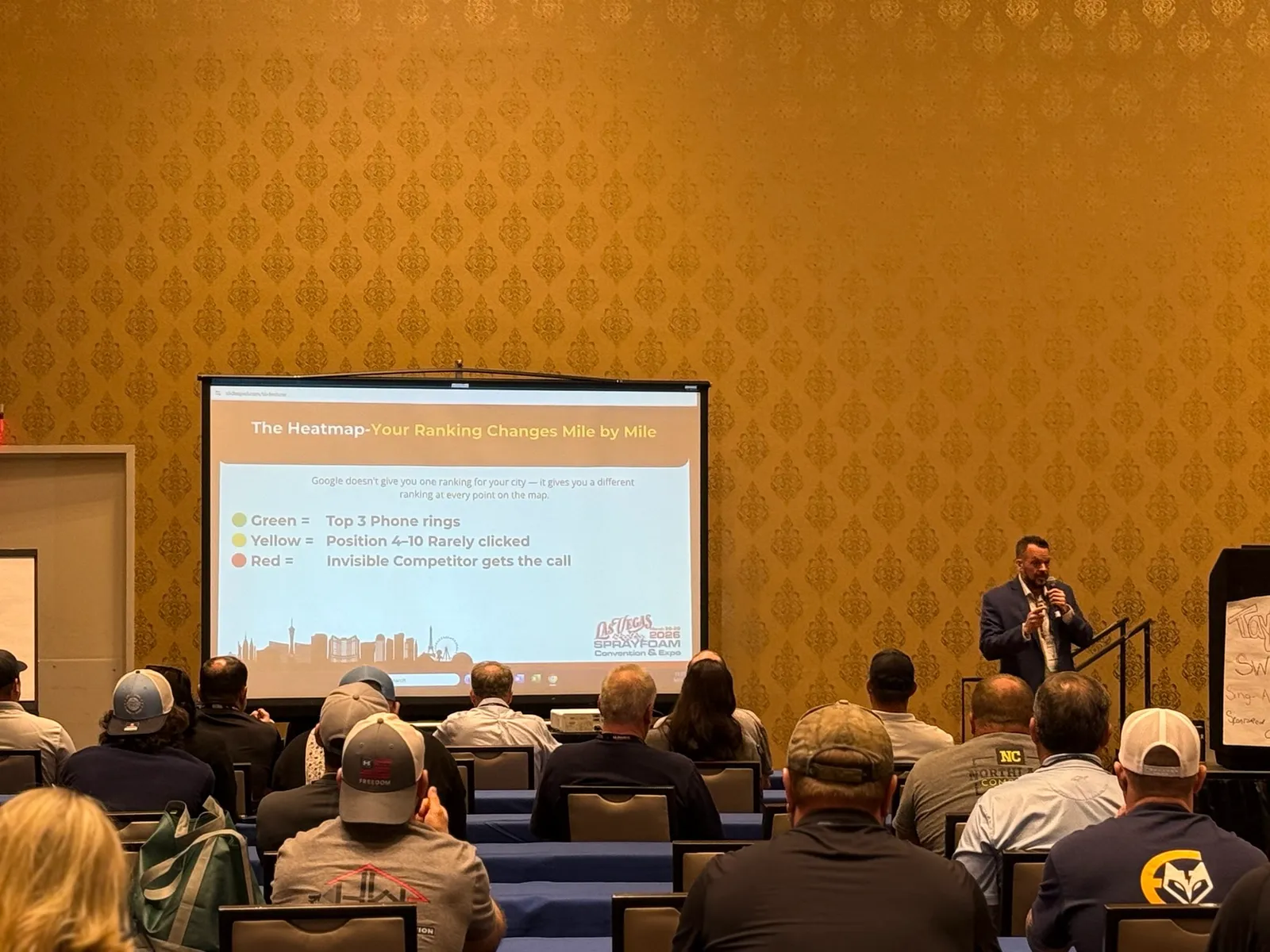


A Google Maps heatmap is the closest thing you can get to a map of your marketing. It shows where homeowners see your company when they search, and where they see everyone else instead.
The map is easy to look at and surprisingly easy to misread. Here is how to read one, what the common patterns usually mean, and what to fix first.
What a Google Maps heatmap shows
A heatmap tool lays a grid of points over your service area. At each point it runs the same search, as if someone were standing there, and records where your business shows up in the map results. Each point is then colored by your position.
In most tools, greener or lower numbers are better and red or missing means you did not show up. Colors and scales are different from tool to tool, so always check the legend before you read anything into the colors.
Every heatmap is also for one search phrase. A map for “spray foam insulation” can look very different from a map for “spray foam insulation near me” or “attic insulation.” Always note which phrase you are looking at.
Related reading: Free Ways to Check Where You Rank on Google Maps
Why one ranking number is not enough
Google says local results are based mainly on three things: relevance, distance and prominence. Relevance is how well your profile matches the search. Distance is how far you are from the person searching. Prominence is how well known and trusted your business looks, from reviews, your website and mentions around the web.
Distance changes with every point on the grid, so your ranking changes with it. That is why a single number from one spot tells you very little and a map tells you a lot.
Five patterns and what they usually mean
These are rules of thumb, not guarantees. They tell you where to look first.
Strong at the center, fading quickly
This is the most common pattern for local companies, and it is mostly distance at work. To stretch the strong area outward, you work on prominence: more real reviews, a stronger website, consistent listings, and mentions from other local sources.
Strong in one direction, weak in another
Something is different on the weak side. A competitor may be stronger there, or you may have no presence in those towns. Look at who ranks in the weak area and what they have that you do not, such as reviews from that area or website pages about it.
A hole right around your own shop
This one deserves attention. Being weak close to your own address is unusual. Check the profile for a suspension or verification problem, the wrong primary category, a duplicate listing, or another business sharing your address.
Weak almost everywhere
This usually points to the basics. The profile may be incomplete, the categories off, the reviews thin, or the website not clearly about what you sell. Start with the profile and work outward.
Strong for one phrase, weak for another
Wording matters. If you rank for “spray foam insulation” but not for “attic insulation,” check whether your profile services and your website actually use the words your customers use.
What a heatmap cannot tell you
- It is a snapshot. Results can shift by device, time of day and personalization.
- It does not tell you whether the phone rings. Check calls and direction requests in your Google Business Profile as well.
- It is for direction, not decimals. Do not chase one red dot on the edge of the map.
How often to check it
Run a heatmap before you change anything, then run the same one again a few weeks after. Use the same phrase, the same area and the same grid. If any of those change, you are comparing different things and the result will mislead you.
What to fix first
If the map shows problems, work in this order. It goes from the cheapest and most certain to the slowest.
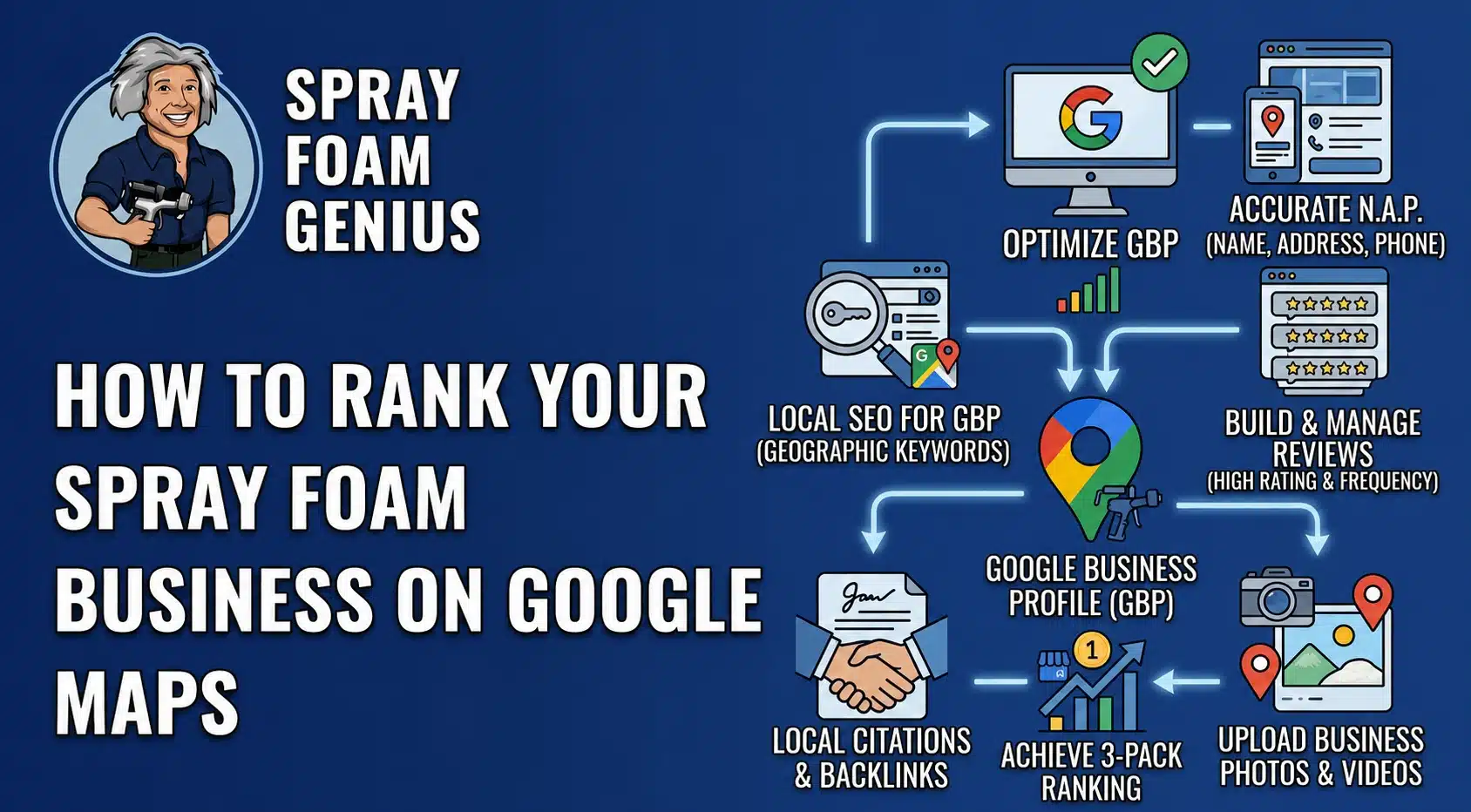
- Make sure the profile is verified, accurate and complete, with the right name, address, phone and hours.
- Check your primary and secondary categories and list every service you actually offer.
- Build a steady habit of asking real customers for reviews after each job, and answer the reviews you get.
- Give your website a clear page for each service, and for each town you truly serve, with real content.
- Clean up old or inconsistent listings so your name, address and phone match everywhere.
How to judge a heatmap an agency shows you
If an agency sends you a heatmap, ask a few plain questions. What search phrase is it for? What area does it cover, and why that area? What is the date? A flattering map can be made by choosing the best phrase and a small area around your shop. Ask to see a map for the phrases and the area that matter to your business, and ask to see it before you pay for anything.
Get a heatmap for your company
You can see yours for free. Our Market Visibility Audit checks how your company shows up across your service area and shows you the map. It takes a few minutes and you do not need to talk to anyone to get it. If you want help reading it afterward, you can book a call.