

You searched for your own company the other day, or a customer mentioned they could not find you, and the map looks different. You used to be in the top three. Now you are fourth, or fifth, or nowhere.
Before you change anything, slow down. A lot of contractors panic and start editing their Google Business Profile, and that can make things worse. Here is the order I would check things in, from the quick and free to the slower and more annoying.
One honest note first. Google does not publish a changelog for local rankings, and nobody outside Google can tell you for certain why one listing moved. What we can do is rule things out, one at a time. That is what this checklist is for.
First, confirm it actually dropped
Rankings on Google Maps are not one number. They change depending on where the person searching is standing. If you check from your shop or your driveway, you are seeing the result that favors you most, because Google gives weight to distance. A drop you see from there might be bigger somewhere else, or it might just be a different order inside the top three.
- Search in a private or incognito window so your own history does not shape the results.
- Check from more than one place in your service area, not only near your shop.
- Search the phrases customers actually use, such as “spray foam insulation near me” and “spray foam insulation” plus your city.
- Write down what you see and the date, so you have something to compare against next week.
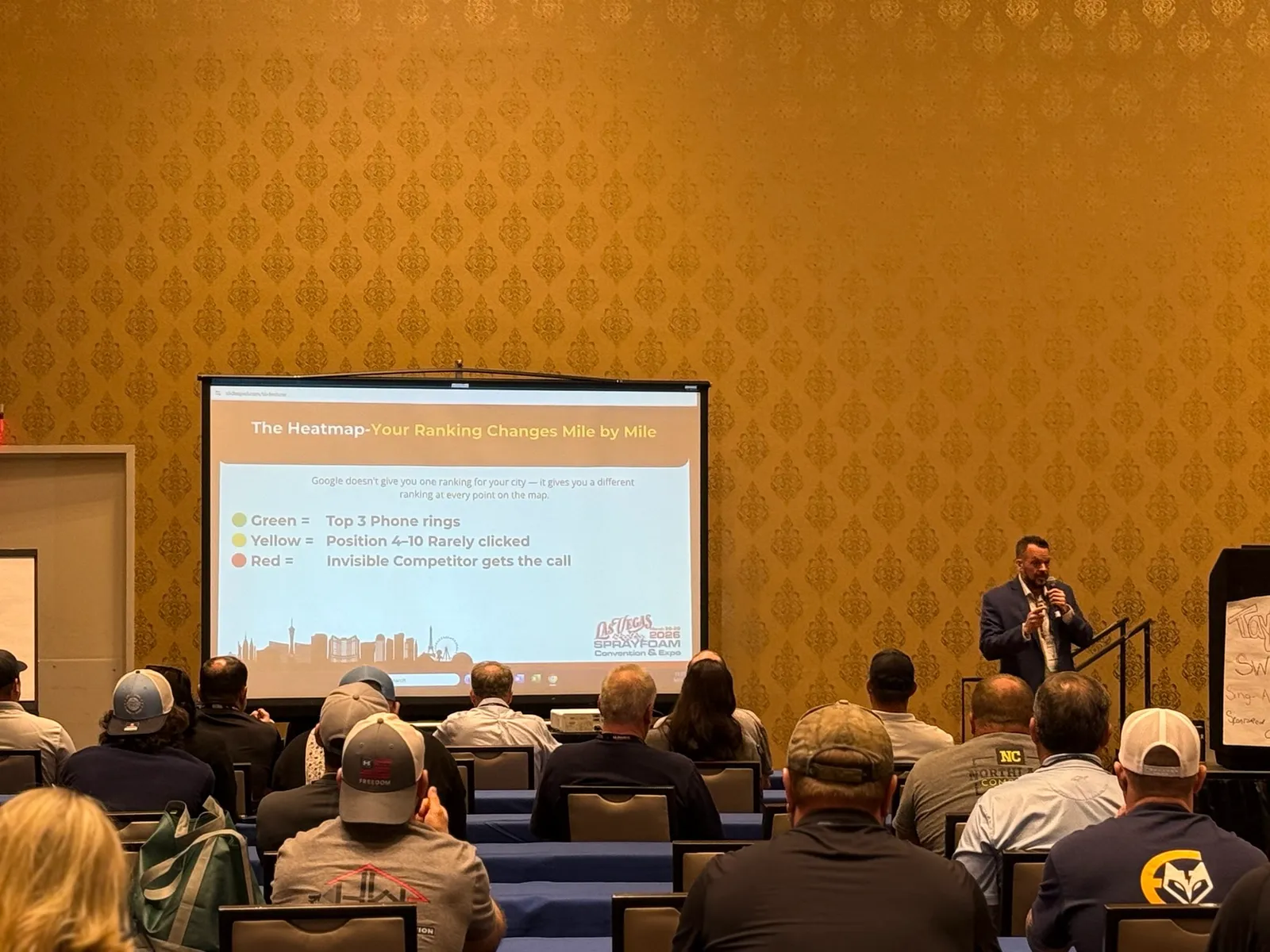
A heatmap does this job for you. It checks many points across your service area at once and puts the results on a map, which is far more reliable than checking from your phone. Our free Market Visibility Audit is one way to get one.
Related reading: Free Ways to Check Where You Rank on Google Maps
Check that your profile is still in good standing
Log in to your Google Business Profile and look for any message saying the profile is suspended, needs to be verified again, or has been edited. A suspended or unverified profile is the most serious cause of a drop, and it is easy to miss if nobody checks the profile regularly.
- Is the profile still verified?
- Are there any notices about policy problems?
- Do the business name, address, phone number and hours still match what you intended?
Look at what changed on your profile
Changes to your business name, categories, address or service areas are the ones most worth checking. Google’s guidelines say your business name should match how you present yourself in the real world. Adding extra keywords to the name is a common reason profiles get edited back or suspended.
Also look at who has been able to change the profile. Past employees, a former agency, and even strangers can suggest edits to a listing. If you cannot remember the last time someone reviewed the profile, review it now.
Check your categories
Your primary category is one of the strongest signals you control. It should be the category that most closely matches the main thing you do. A simple test: look at the categories used by the competitors who are now above you. If they are using a different primary category, find out why before you copy anything.
Look at your reviews
Look at how many reviews you have, how recent they are, and your average rating. Then look for anything that has changed.
- Did a batch of reviews disappear? Google can filter reviews that look unusual, for example several posted from the same place on the same day.
- Did a new negative review come in that you have not answered?
- Did your steady flow of new reviews slow down or stop?
Reviews are a long game. The honest fix is a simple habit of asking real customers after the job is done, every job, not a burst once or twice a year.
Look at who moved above you
Open the businesses that now rank above you and compare them with yours. Look at their reviews, categories, photos, how complete the profile is, and whether they post updates. Sometimes a competitor opened near you or improved their profile, and distance and prominence did the rest.
Fake or spammy listings also exist in many service categories. If you find one that clearly breaks Google’s rules, you can report it. Be accurate when you report, since a vague complaint rarely goes anywhere.
Check your website and your listings elsewhere
Google looks at more than your profile. It also looks at your website and how your business shows up across the web. If your site went down, got much slower, or lost pages in a redesign, that can weaken those signals.
- Make sure the website loads quickly on a phone.
- Make sure the phone number and address on the site match your profile exactly.
- Check directories and other listings for old addresses, old names or old phone numbers.
Remember the page itself can change
Sometimes you did not drop at all. The results page got more crowded. Ads and Local Services Ads can sit above the map listings, and Google changes how many businesses it shows. Search demand also moves with the season and with the weather, so fewer searches can look like a worse ranking.
What not to do
- Do not change your business name or address to chase a ranking.
- Do not buy reviews or hire anyone who promises first place overnight.
- Do not create extra listings or use a fake address.
- Do not change five things at once. You will not know which one helped or hurt.
When it makes sense to get help
If the profile is suspended, or you changed nothing and still dropped across the whole map, a second set of eyes helps. Start with facts: a heatmap, plus a short list of what changed and when. Whoever you talk to should be able to show you that picture before they try to sell you anything.
See where you stand right now
If you want the picture before you touch anything, run the free Market Visibility Audit. It checks how your company shows up across your service area and shows you the map. It is free, it takes a few minutes, and you do not have to talk to anyone to get it. If you want to talk it through afterward, you can book a call.
Further reading
Official guidance from Google on the topics in this article: