
If your spray foam company does not show up on Google Maps at all, the cause is usually one of seven things: the profile is not verified, it was suspended, the category is wrong, the address is hidden or wrong, there is a duplicate listing, the name or details break Google's rules, or the profile is too new or too thin to be trusted yet. Check them in this order, because the first few are quick to rule out.
This is different from ranking low. If you appear but sit far down the list, read how to rank your spray foam business on Google Maps and why a Google Maps ranking drops. This guide is for when you cannot find yourself at all.
First, am I really missing?
Search your exact company name in Google. If your profile appears on the right side or at the top, you exist, and the problem is ranking, not visibility. Then search "spray foam insulation [your city]" from a phone while standing in your service area, in a private window. Many owners search from the shop, see themselves, and assume everyone does. Results change with where the searcher is.
If your profile does not appear even for your exact name, keep going.
Related reading: Free Ways to Check Where You Rank on Google Maps
Is the profile verified?
An unverified profile can exist but rarely shows to customers the way a verified one does. Open your Google Business Profile while signed in as the owner. If Google shows a "Verify now" prompt, complete it. Verification may be by video, phone, email or postcard depending on what Google offers for your listing. Use the method it gives you. Do not start a second profile to work around it.
Was the profile suspended?
A suspended profile is hidden from Maps. In the Business Profile manager you will see a suspension or "not eligible" notice. Common triggers are a business name stuffed with extra keywords, a fake or shared address, a P.O. box, or a service that Google could not confirm. Fix the cause named in the notice, then submit a reinstatement request through Google's form. Keep a record of your business license, a photo of your signage or vehicle and a utility bill that matches your address, because Google may ask for proof.
Is the category right?
Your primary category tells Google what you are. If it says something unrelated, or a general category that does not match what people search, you will not appear for the search. Choose the category that matches your main service, then add secondary categories for the others. Do not add categories for services you do not offer.
Is the address hidden or wrong?
Many contractors are service-area businesses and hide their address, which is allowed. If you hide it, you must set a service area that matches where you work. If your address is wrong or shows an old location, Maps may place you in a different area than your customers. Check the address, the service area and the map pin. A shared office or virtual address that Google cannot confirm as staffed can lead to a suspension.
Is there a duplicate listing?
An old listing from a past address, a previous owner or an agency can compete with your real one. Search your phone number and old business names. If you find a duplicate, claim it and ask Google to merge or remove it, rather than leaving two profiles. Duplicates split reviews and confuse both customers and Google.
Does the name or any detail break the rules?
Your profile name should be your real business name as it appears on your sign, invoices and website. Adding keywords or a city to the name can lead to a suspension. Hours, phone number and website should be accurate and match your site. If a staff member or a past marketing company edited the profile, review the change history.
Is it simply too new or too thin?
A new profile with no photos, few details and no reviews has little for Google to work with. Fill every section: services, hours, a business description, photos of real jobs and a link to the matching page on your site. Ask recent customers for reviews. This takes weeks, not days, and no one can promise a date.
How do I see what customers see?
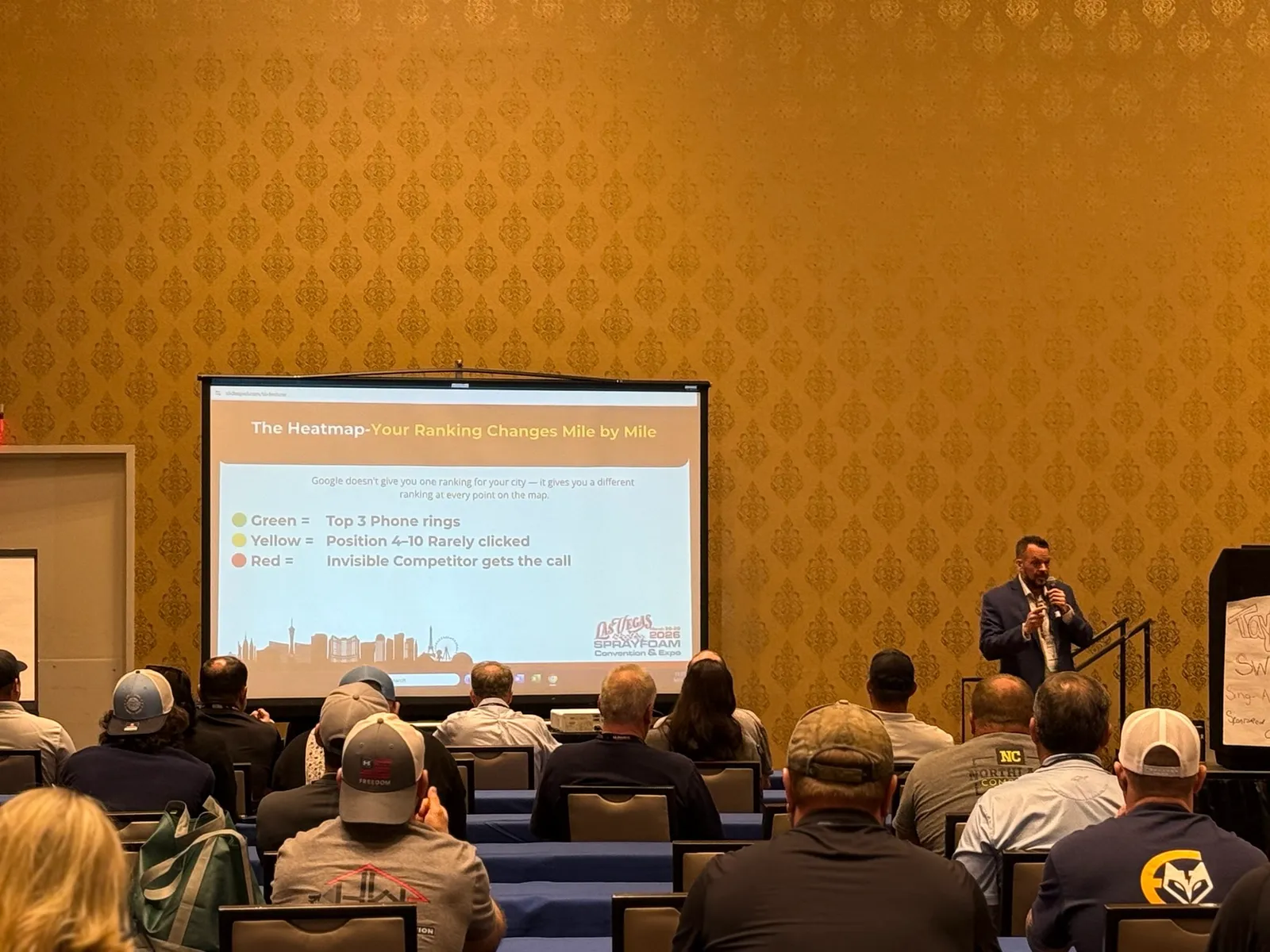
A Market Visibility Audit shows where your profile appears across a grid of points around your shop. It is free and it turns "I cannot find myself" into a map you can read. See how to read a Google Maps heatmap for what the colors mean. If you appear near the shop but not in the next town, read why spray foam contractors rank near the shop but not next town.
Key takeaways
- Search your exact company name first. If you do not appear for that, the problem is visibility, not ranking.
- Check in order: verification, suspension, category, address, duplicates, rule breaks, then thin profile.
- Never open a second profile to get around a problem. Fix the first one.
- A hidden address is allowed for service-area businesses, but the service area must be set correctly.
- New or thin profiles take weeks to build trust. No one can promise a date.
FAQs
Why does my spray foam company show up for me but not for customers?
Google Maps results depend on the searcher's location, so you may see yourself from the shop while a customer across town does not. Search from a phone in your service area in a private window, or run a map grid check.
Can I appear on Google Maps without a storefront?
Yes. Service-area businesses can hide their address and list the areas they serve. You still need to meet Google's rules and set the service area accurately.
How long does verification or reinstatement take?
It varies. Google decides the timing, and it can take days or longer. No agency can speed it up or guarantee an outcome.
Should I hire someone to fix this?
If the cause is a suspension or a duplicate you cannot resolve, help can save time. Ask any agency who will own the profile afterward. Spray Foam Genius Marketing handles Google Business Profile setup and ongoing work for spray foam and insulation contractors, and you can book a discovery call to talk it through.
What is the Insulation Growth Score?
The Insulation Growth Score is a free 100-point assessment that measures the six parts of an insulation contractor's business that drive growth: lead generation, Google visibility, sales, lead follow up, reviews and reputation, and growth capacity. Take it on the Insulation Growth Score page.