
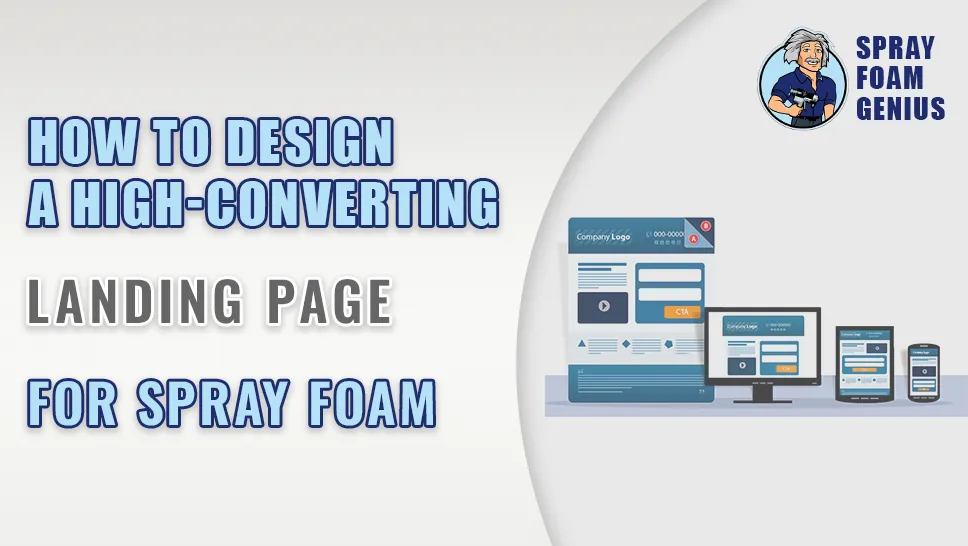
A landing page is where a potential customer first meets your business after clicking an ad, a search result or a link. For a spray foam contractor, that page decides whether a visitor requests a quote or goes back to the results and clicks a competitor. This guide covers what a high-converting landing page needs, how it differs from the rest of your site, and how to build location-specific pages for the cities you serve.
Nobody can promise a conversion rate. Build the page around the visitor, measure what happens and improve it step by step.
What Is a Landing Page and When Do You Need One?
A landing page is a focused page built around one goal, such as getting a phone call, a quote request or a booked inspection. Unlike a typical website page that serves several purposes, it removes distractions and guides the visitor toward a single action. Contractors usually use two kinds:
- Campaign pages for a specific service or offer, often used with Google Ads or other paid traffic
- Service and location pages for organic search, aimed at searches like "spray foam insulation [city]"
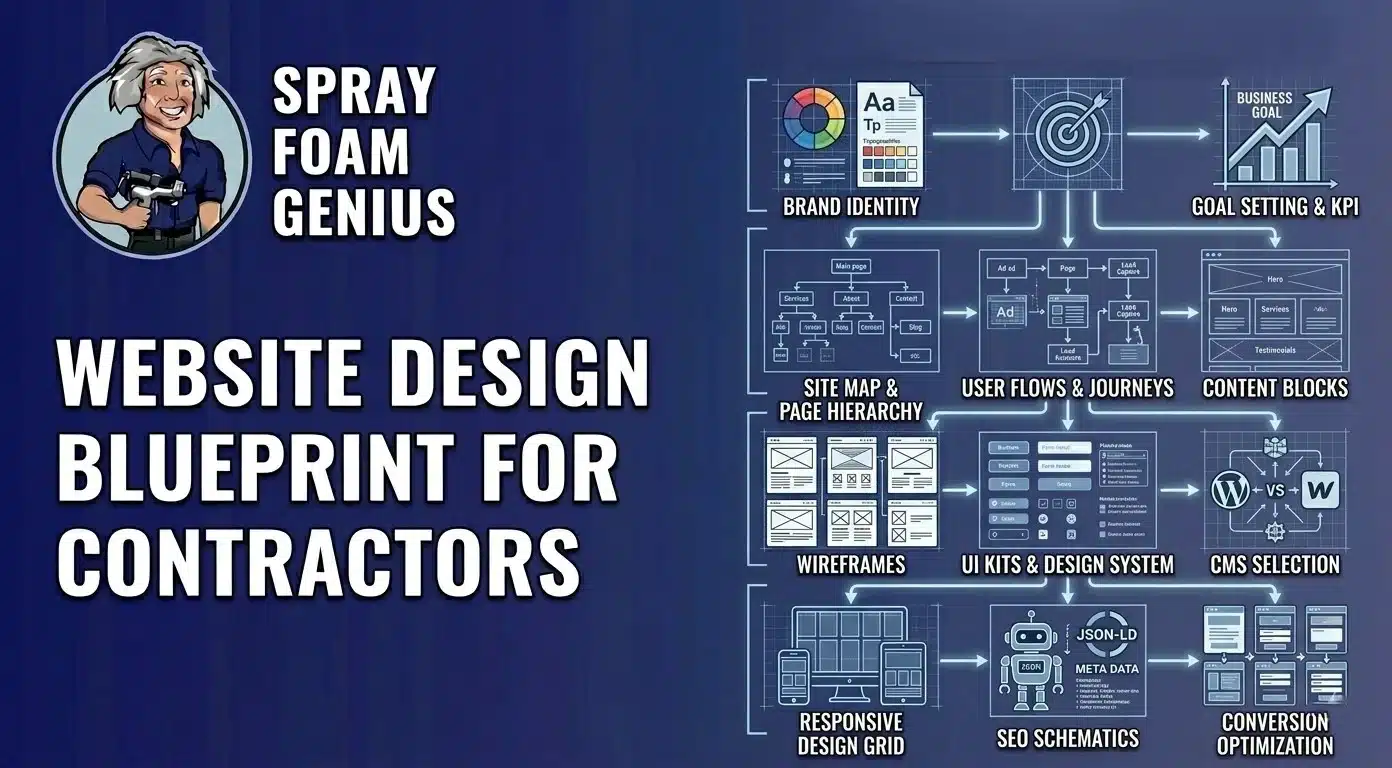
Both work best when the page matches exactly what the visitor was looking for. A homeowner who clicks a result about closed-cell foam for a crawl space should land on a page about that, not a general insulation services page. For how landing pages fit into the whole site, see our website design blueprint for spray foam contractors.
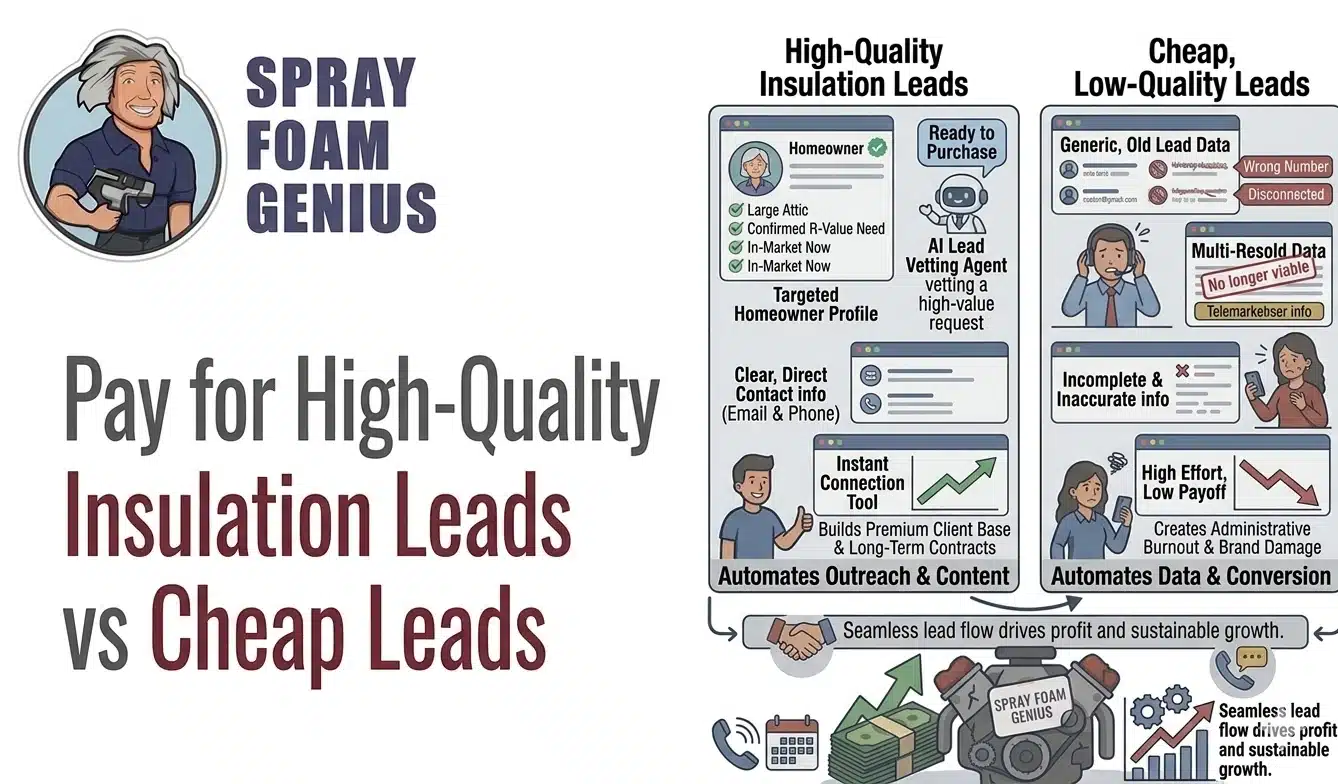
Related reading: Buying Insulation Leads vs Building Your Own Lead System: What Should You Pay For?
Key Elements of a High-Converting Spray Foam Landing Page
1. A Clear Headline That Matches the Search or Ad
The headline is the first thing visitors read. It should name the service and place and speak to the benefit or problem, for example a headline about spray foam insulation for homes in your city. Mirror the wording of the ad or search that brought them there. If the ad promised one thing and the page opens with another, visitors feel lost and leave.
2. Real Visuals
Use photos or video of your own crew and finished jobs. Before-and-after photos and short process videos make the work tangible and help build trust. Stock photos weaken credibility.
3. A Clear, Prominent Call to Action
Tell visitors exactly what to do next: "Get a Free Quote," "Schedule an Inspection" or "Call Now." Make the button stand out, put it near the top, repeat it after key information and keep a tap-to-call button on mobile. Choose one main action instead of several competing ones.
4. Trust Signals
Include customer reviews with ratings, short testimonials, photos of completed work, and licenses, insurance and certifications you actually hold. Place them beside the form and the call button. If you have case studies, link to them.
5. A Short, Easy Form
Ask only for what you need to follow up, such as name, phone number and a note about the project, with the address or zip code if it helps you qualify the lead. Long forms and unnecessary fields reduce submissions. Make sure the form is easy to complete with a thumb on a phone.
6. A Specific Offer
A generic "free quote" is what every competitor says. Where it is honest and you can deliver it, describe what the visitor actually gets, such as an on-site inspection that checks the attic or crawl space and a written proposal with options.
7. Speed and Mobile Design
A slow page loses visitors. Google reports that as mobile load time goes from one second to seven seconds, the chance of a visitor bouncing increases by 113%. Compress images, remove unneeded scripts and test on real phones. Google’s Core Web Vitals guidance explains the measures it uses for page experience.
8. SEO Basics
If the page is meant to be found in search, use the service and city naturally in the heading, subheadings and body, add descriptive image alt text, write a clear title and meta description and link to related pages. Google’s SEO Starter Guide covers the basics. Write for people first, as Google’s guidance on helpful, people-first content recommends.
9. Testing
Test one change at a time, such as the headline, button text, form length or main photo, and compare results over a reasonable period. A small number of leads can make results look better or worse than they are, so avoid reacting to a few days of data.
10. Tracking
Use Google Analytics and call tracking to see which pages and campaigns produce calls and forms, not just clicks. A heatmap can show where visitors click and where they leave. Then connect the data to your sales process so you can see which pages produce booked jobs.
Why Custom Landing Pages Help
- Focus: they remove distractions so the visitor sees one next step
- Message match: you can write for one service, audience or city at a time
- Tracking: one page per campaign makes results easier to measure
- Testing: it is easier to try variations on a single-purpose page
- Local relevance: you can reflect local conditions and show local proof
Building Location-Specific Landing Pages
Location pages let you show up in searches for towns where you work but may not have an office. They only help if they are useful. A few principles:
Use a Clear Structure
A common approach is a hub-and-spoke layout: a main Service Areas page links to a page for each major city, and each city page links back and to related service pages. Use clean, consistent URLs and make sure every location page is linked from your menu, footer or hub so visitors and Google can find it. A page that nothing links to is easy to miss.
Write Unique Content for Every City
Do not copy one page and swap the city name. Google’s spam policies describe doorway abuse as pages created to rank for specific, similar searches, including multiple pages targeted at specific regions or cities that funnel users to one page. See Google’s spam policies. Instead, give each page real local value:
- Housing in that area, such as older homes that need retrofit work or newer developments with energy code concerns
- Local climate and the problems it creates, such as humidity, cold winters or hot attics
- Local code or inspection details you are confident are accurate
- Photos and short summaries of jobs you have done nearby, with the customer’s permission
- Testimonials from customers in that city, when you have them
- A map of the area you serve
Add Local Proof and a Local Next Step
Writing about a city helps, but showing real presence helps more. Use location-specific testimonials, a map and a call to action tied to the place, such as a page-specific button for homeowners in that city. Keep your phone number visible as people scroll, and make the form short.
Mind Your Google Business Profile
You do not need an office in every city to have a service page, but do not create fake or virtual office listings in other towns. Follow Google’s guidelines for representing your business. See our guide to using Google Business Profile for insulation marketing.
How Many Pages?
Start with the service areas that matter most to your business and build each one properly. A smaller set of useful pages beats a large set of thin ones. Add more only when you can say something genuinely useful about each place.
Common Landing Page Mistakes
- The headline does not match what the visitor searched or clicked
- A long menu and many links that pull visitors away from the main action
- Several competing offers and buttons
- No reviews, photos or credentials near the form
- Duplicate location pages with only the city name changed
- Slow loading or a phone number that is not tappable
- No tracking, so results are guesses
- Slow follow-up after the form is submitted; see why leads do not turn into jobs
Frequently Asked Questions
What is the difference between a landing page and a regular web page?
A landing page has one goal and few distractions, such as a quote request or phone call. A regular page may serve several purposes. Service and location pages can work as landing pages if they are focused, with one clear next step.
What should a spray foam landing page include?
A clear headline that matches the search, real photos, reviews and credentials, a short form or click-to-call button, a specific description of what the visitor gets and fast, mobile-friendly design.
Can you copy the same location page and change the city?
No. Near-identical pages add little value and can run into Google’s spam policies on doorway pages. Give each page unique local content, projects and testimonials.
Do you need a physical address in every city?
No, a service page does not require an office. But keep your Google Business Profile accurate and follow Google’s guidelines instead of listing locations where you have no real presence.
How long does it take for landing pages to bring in leads?
Paid campaign pages can produce inquiries soon after traffic starts, depending on your ads and budget. Pages meant to rank in search take longer, and no one can promise when or whether they will rank. Track results and keep improving.
How often should you test a landing page?
Test one element at a time and give each test enough time and enough visitors to be meaningful. Start with the headline, the button wording and the form length.
Want Help With Your Landing Pages?
Ask us for a free marketing audit. We will look at your landing pages, service area pages and tracking with you. Call 877-840-3626 or email info@sprayfoamgeniusmarketing.com.